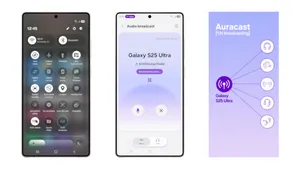
Samsung's OneUI 8.5 (Source: Samsung Newsroom)
Samsung Galaxy users may soon benefit from a free feature upgrade, as several Galaxy S26 features are being rolled out to older devices through the latest One UI updates. Instead of locking new capabilities to flagship phones, Samsung is increasingly focusing on software-based improvements, allowing users to experience new features without upgrading hardware.
This shift is part of Samsung’s broader strategy around Galaxy AI features, One UI 8.5 updates, and long-term software support, which is becoming a key selling point for Galaxy devices.
Galaxy S26 AI Features Are Already Reaching Older Devices
The Galaxy S26 introduced a set of new AI-powered tools, and Samsung has already begun bringing some of them to older models like the Galaxy S24, S25, and foldables through One UI 8.5 beta updates.
Among the first features being expanded are Advanced Audio Eraser, Call Screening, Creative Studio, and an improved Photo Assist system. These features rely heavily on software and AI processing, which makes them easier to distribute across multiple devices without needing new hardware.
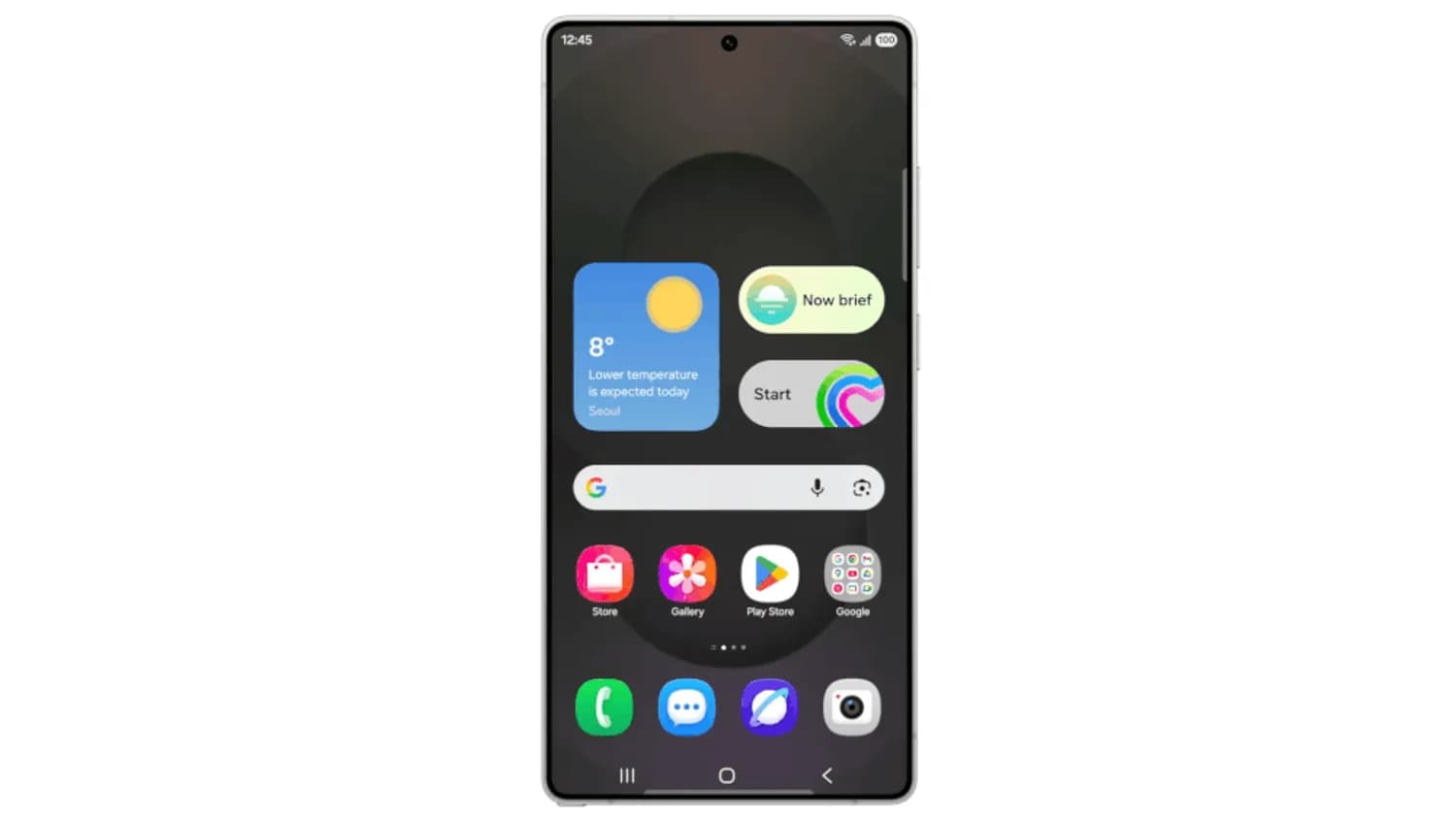
Samsung's OneUI 8.5 (Source: Samsung Newsroom)
Smarter Audio, Calls, and Content Creation Tools
Samsung’s Audio Eraser has evolved beyond simple editing and now allows users to control background noise in real time while watching videos or playing media. This makes it easier to enhance dialogue clarity or reduce distractions instantly.
The AI Call Screening feature brings a new level of convenience by automatically answering unknown calls, asking for details, and providing a transcript. This allows users to decide whether a call is important before picking up, improving both productivity and privacy.
Meanwhile, Creative Studio introduces AI-powered content generation, enabling users to create images, stickers, wallpapers, and designs using simple prompts or sketches, turning the phone into a lightweight creative tool.
Advanced Photo Editing and AI Visual Enhancements
Samsung has significantly improved its Photo Assist feature, making editing more intuitive by allowing users to modify images using text commands. Users can move objects, merge elements from different photos, and apply creative styles without needing advanced editing skills.
Beyond that, Galaxy AI continues to expand with tools like generative edits, automatic enhancements, and smarter gallery organization, making photo and video editing faster and more accessible across devices.
New AI Notifications, Smart Suggestions, and Assistant Features
One UI 8.5 also introduces AI-powered notification summaries, which can automatically organize and summarize alerts so users can quickly understand important updates.
Samsung is also improving its smart assistant ecosystem with features like contextual suggestions and automation tools that adapt to user behavior. These tools can recommend actions, simplify navigation, and reduce the need to manually switch between apps.
In addition, features like redesigned Quick Settings, improved Quick Share, and cross-device file access enhance overall usability and ecosystem connectivity.
Privacy, Security, and Personalization Improvements
Samsung is also introducing stronger privacy and security features alongside these updates. One UI enhancements include better app activity monitoring, improved device protection, and AI-powered privacy alerts that notify users when sensitive data is accessed.
There are also new personalization options, such as customizable Quick Panels, smarter lock screen layouts, and adaptive UI elements that adjust based on usage patterns, creating a more tailored user experience.
Why Samsung Is Bringing S26 Features to Older Galaxy Phones
Samsung’s decision to expand features through updates reflects a shift in the smartphone market. Instead of relying solely on hardware upgrades, companies are now focusing on software innovation and long-term support.
By doing this, Samsung can extend device lifespan, improve user satisfaction, and compete more effectively with other ecosystems that offer longer update cycles. It also reduces the pressure on users to upgrade every year.
What This Means for Samsung Galaxy Users
For Galaxy users, this approach brings clear benefits. Devices that support newer One UI versions can gain access to AI-powered tools, improved performance, and enhanced features without additional cost.
However, not every feature will be available on all devices, as some capabilities still depend on newer hardware. Even so, the overall experience of older Galaxy phones is expected to improve significantly with these updates.
Conclusion: Samsung’s Software-Driven Future Is Changing Upgrades
Samsung’s move to bring Galaxy S26 features to older devices highlights a major shift toward software-first innovation. With Galaxy AI, One UI 8.5, and continuous feature updates, the company is redefining how smartphones evolve over time.
As this trend continues, Samsung Galaxy users may no longer need to upgrade frequently, as many of the latest features can arrive through regular software updates—making devices smarter, more efficient, and longer-lasting.